
How to Fix “No Internet, Secured” WiFi Error (Complete Guide)
The “No Internet, Secured” error is common in Windows environments and usually indicates a configuration or network issue.
Quick fixes
- Restart router and PC
- Disable/enable WiFi adapter
- Run Windows Network Troubleshooter
Advanced solutions
- Reset TCP/IP:
netsh int ip reset
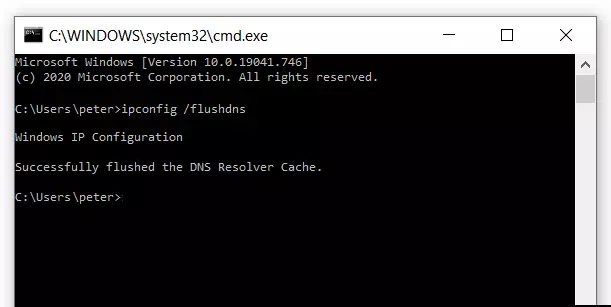
- Renew IP:
ipconfig /release
ipconfig /renew
ipconfig /renew

Final tip
Check firewall or VPN conflicts, which often block connectivity.